What ChatGPT is genuinely good for when decorating, 8 prompts to copy, why it often distorts photos of your room, and a workflow that ends in a real result.
- ✓ ChatGPT is strong at ideas, style advice, color palettes, shopping lists and writing image prompts.
- ✓ When it edits a photo of your room, it often moves windows, changes proportions or shifts the camera.
- ✓ What works: plan with ChatGPT, then visualize your actual room with a tool built to keep its structure.
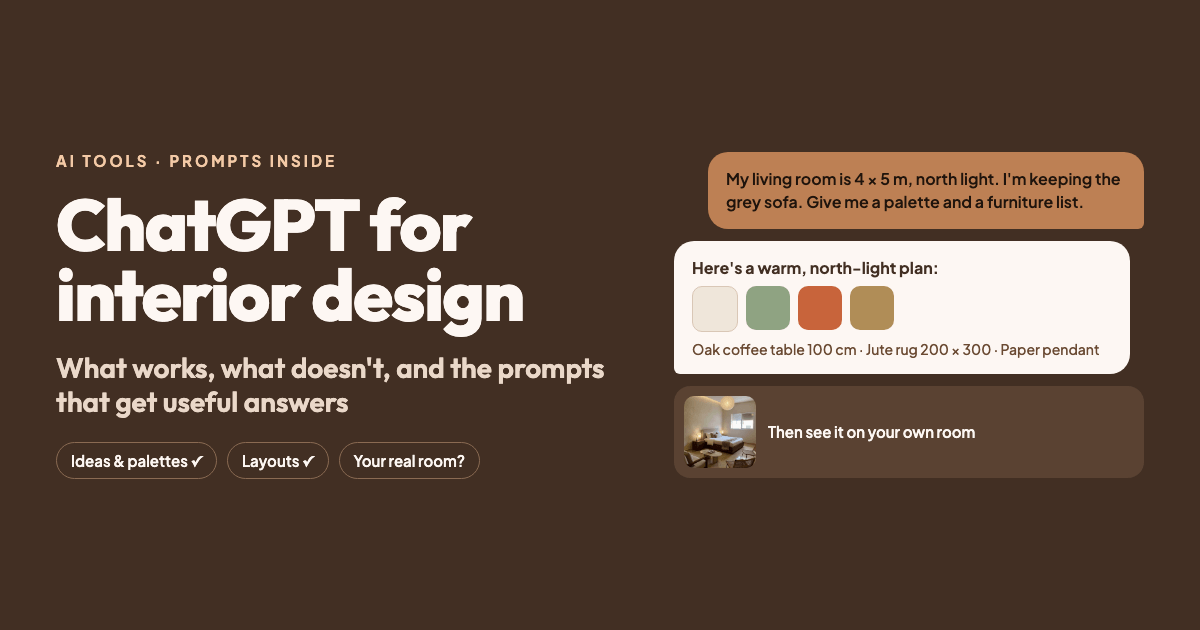
Lots of people now use ChatGPT as a decorating adviser: “How do I make my small living room cozier?”, “What color goes with oak floors?”. It’s genuinely good at that. But as soon as you want to see your own room redesigned realistically, it hits its limits. Here’s what ChatGPT is worth using for, the prompts that work, and how to get a result that matches your real room.
What ChatGPT is genuinely good for
Finding your style. Describe what you like, or the photos you save, and ask what style is behind them: Japandi, mid-century, Scandinavian, industrial.
Color palettes. It suggests combinations and explains them, for example with the 60-30-10 rule (60% main color, 30% secondary, 10% accent color).
Layouts in words. Where the sofa could go, how much space to leave between the sofa and the coffee table, how to zone a dining area.
Shopping lists and budgets. Turning a concept into a prioritized list: what first, what later, what to buy secondhand.
Writing image prompts. If you know what you want but not how to describe it, ChatGPT writes a precise prompt for an image tool.
Where ChatGPT falls short
ChatGPT can generate images and edit uploaded photos. With room photos, the same mistakes come up:
- The structure changes: windows move or grow, doors disappear, the ceiling looks higher.
- The scale is off: a sofa that would never fit in that alcove.
- The perspective shifts: the room is redrawn from a slightly different angle.
- The light is reinvented: a north-facing room becomes a sunlit loft.
For inspiration that doesn’t matter. But if you need to decide whether a dark green sofa works in your living room, in your light, you need an image that leaves the room alone.
8 prompts to copy
Style advice
I like light wood, few objects and natural materials, but I don't want my
living room to feel cold. Which interior styles fit? For each, explain the
typical materials, colors and furniture.
Color palette
My living room has oak floors, white walls and north-facing windows. Suggest
three palettes using the 60-30-10 rule, with specific shades and where to use
them (walls, textiles, accents).
Small living room layout
My living room is 11 x 15 ft (3.5 x 4.5 m), with the door on the short side and
a window opposite. How do I place a sofa, an armchair, a TV and a small dining
spot for two? Give clearances in inches and centimeters.
Shopping list with a budget
I want a Japandi bedroom on a $1,500 budget. Make a prioritized shopping list
by category with rough prices, and tell me what's worth buying secondhand.
Lighting plan
Explain a lighting plan for a 270 sq ft living room with ambient, task and
accent lighting. Which color temperature where?
Rental-friendly makeover
I rent and can't drill or paint. Give me ten ways to make my living room feel
more personal and lived-in.
Have it write your image prompt
Write an image prompt (under 80 words) to restyle my living room in a Japandi
style. Keep the windows, doors, ceiling height, oak floor and camera angle.
Structure: room, style, materials and colors, furniture with sizes, light,
what must stay unchanged.
Feedback on a result
Here's an image of my living room after the redesign. What works, what feels
busy, and what would you change in color, scale or light?
The workflow that works
- Concept with ChatGPT: style, palette, furniture list, rough layout.
- Let it write the prompt with the second-to-last prompt above.
- Visualize your actual room with a tool that keeps your photo’s structure.
- Back to ChatGPT for feedback and adjustments.
- Measure before you buy anything.
Step 3 with Tigmi
Tigmi is built for exactly this step. Upload a photo of your room, choose the room type and one of 16 styles (Japandi Calm, Nordic Light or Mid-Century Modern, for example), and paste your wishes, such as the prompt ChatGPT wrote, into the optional guidance field. A couple of minutes later you have a photorealistic redesign of your room.
- Room Lock tells the AI to keep your walls, windows, doors and proportions, and Light Lock your photo’s daylight (on paid plans). Always check the result.
- Shop the Look (on paid plans) finds similar furniture from real retailers in 45 countries.
- The first redesign each month is free (with a small watermark).
How to write good prompts: our interior design prompt guide.
The bottom line
ChatGPT is an excellent partner for ideas, colors and planning. It isn’t built to give a realistic preview of your room. Used together, the two save time and expensive mistakes.
Tigmi Team
Product & EditorialThe people who build Tigmi, an AI tool that redesigns real rooms from a single photo. We write about what we learn testing styles, prompts and room photos every day.
Frequently Asked Questions
Can ChatGPT redesign my room from a photo?
Yes, ChatGPT can edit uploaded photos and generate images. But it often changes the room itself: windows move, ceilings get taller, furniture is out of scale. Fine for ideas, less reliable as a preview of your own room.
Can ChatGPT plan a floor plan?
It can suggest layouts in words and explain clearances. It doesn't reliably draw floor plans to scale; use planning software or a professional for that.
Is it safe to upload photos of my home?
Check your account's privacy settings, and avoid photos that show people, documents, your address or valuables.
Ready to see your room reimagined?
Upload a photo of your room and get a photorealistic redesign in a couple of minutes. Your first redesign each month is free.