Is it really free?
Your first 3 redesigns each month are free, at 1024 px with a small watermark. Paid plans start at $14 a month for 50 redesigns at 2048 px without the watermark.
AI room makeover
Upload one photo, pick a style, and Tigmi redesigns the room you actually have: same walls, same windows, same light. Compare a few directions in minutes, then paint or buy with confidence.
First 3 redesigns each month free · 1024 px with a small watermark
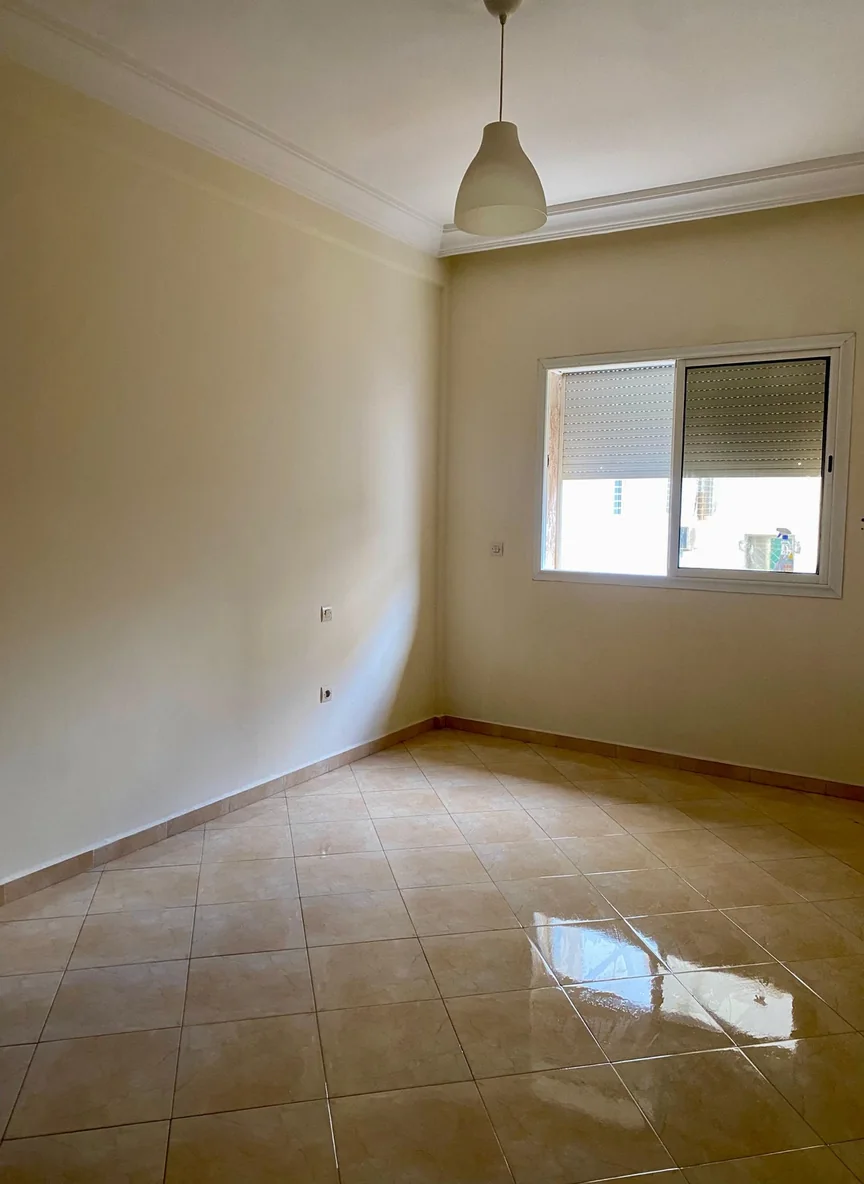 Before: the photo
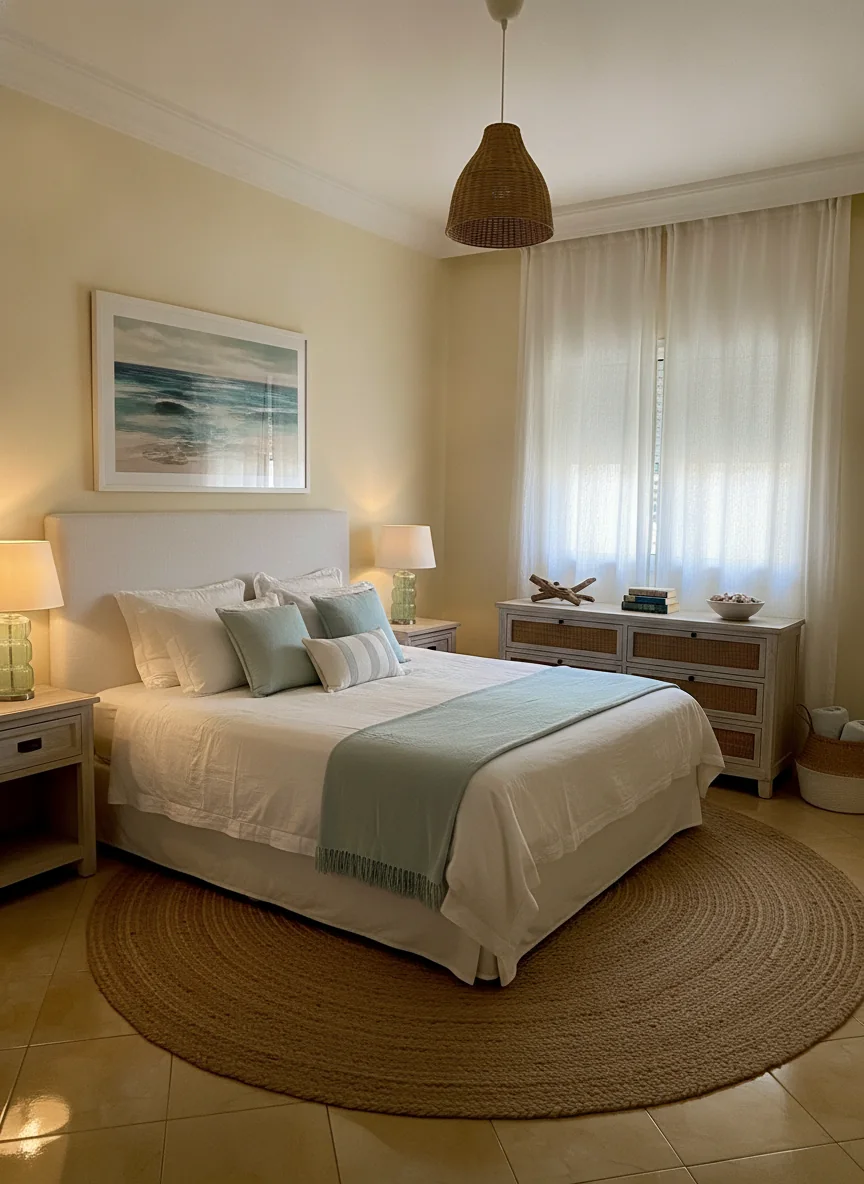
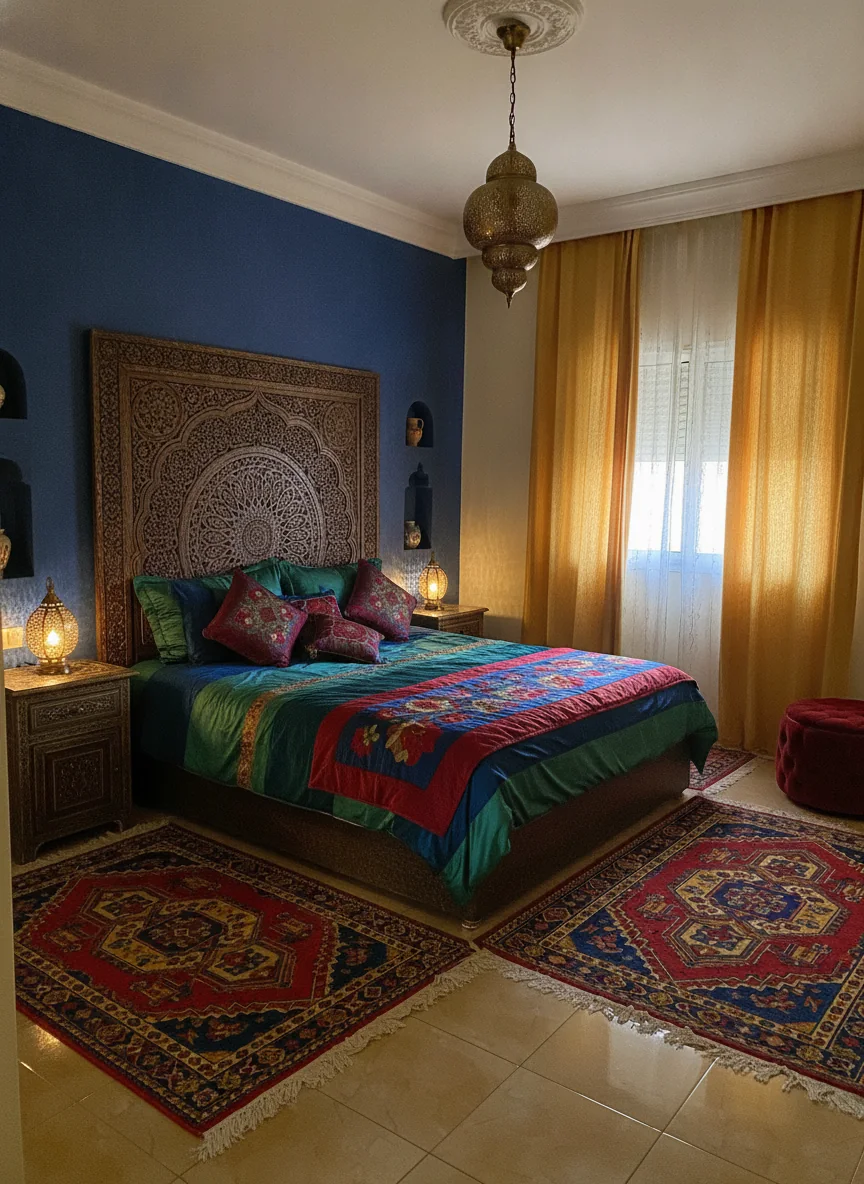
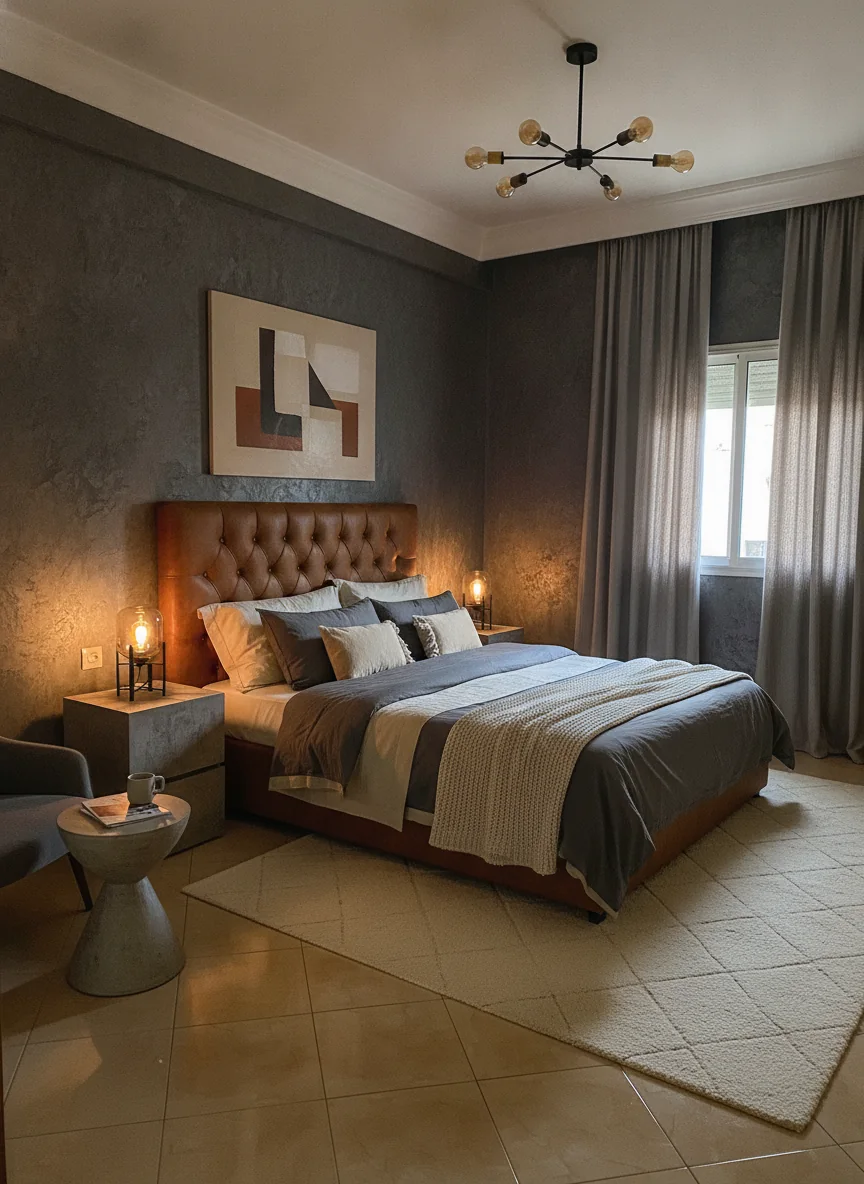
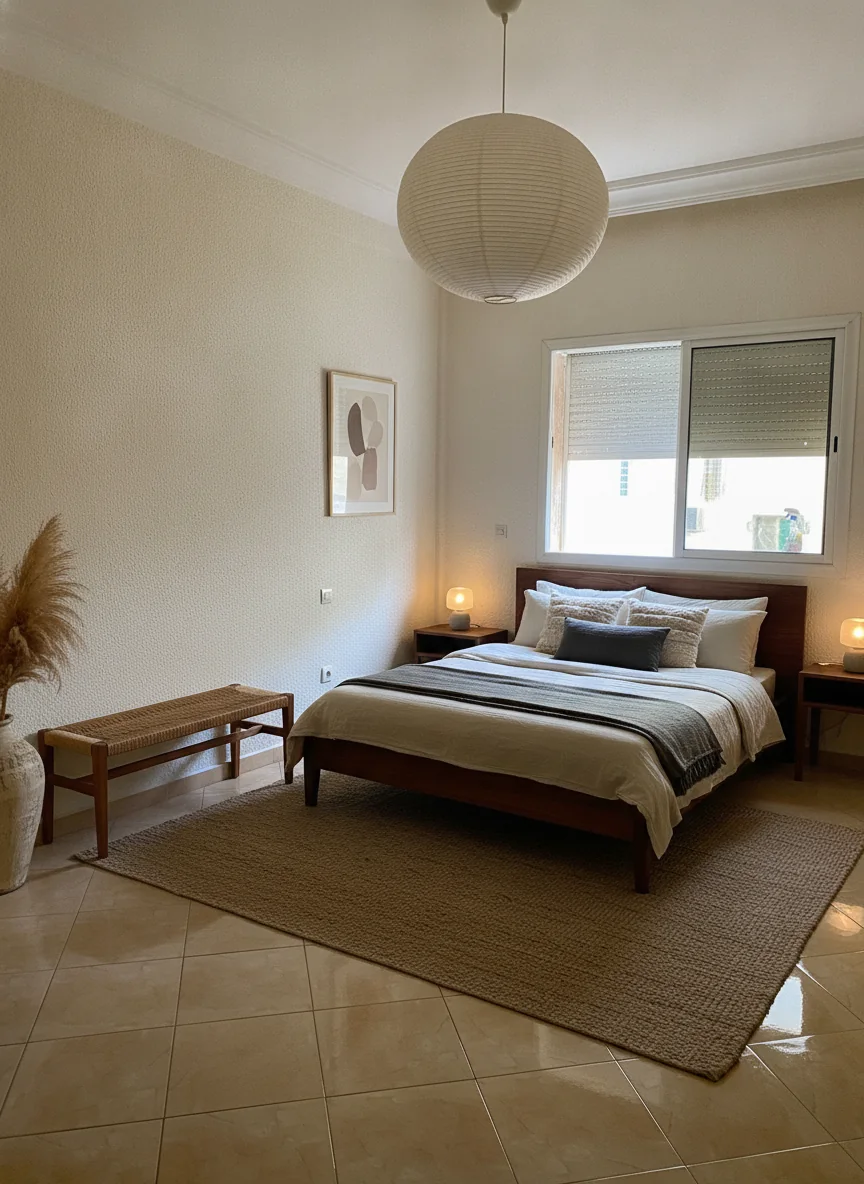 After: the Tigmi redesign
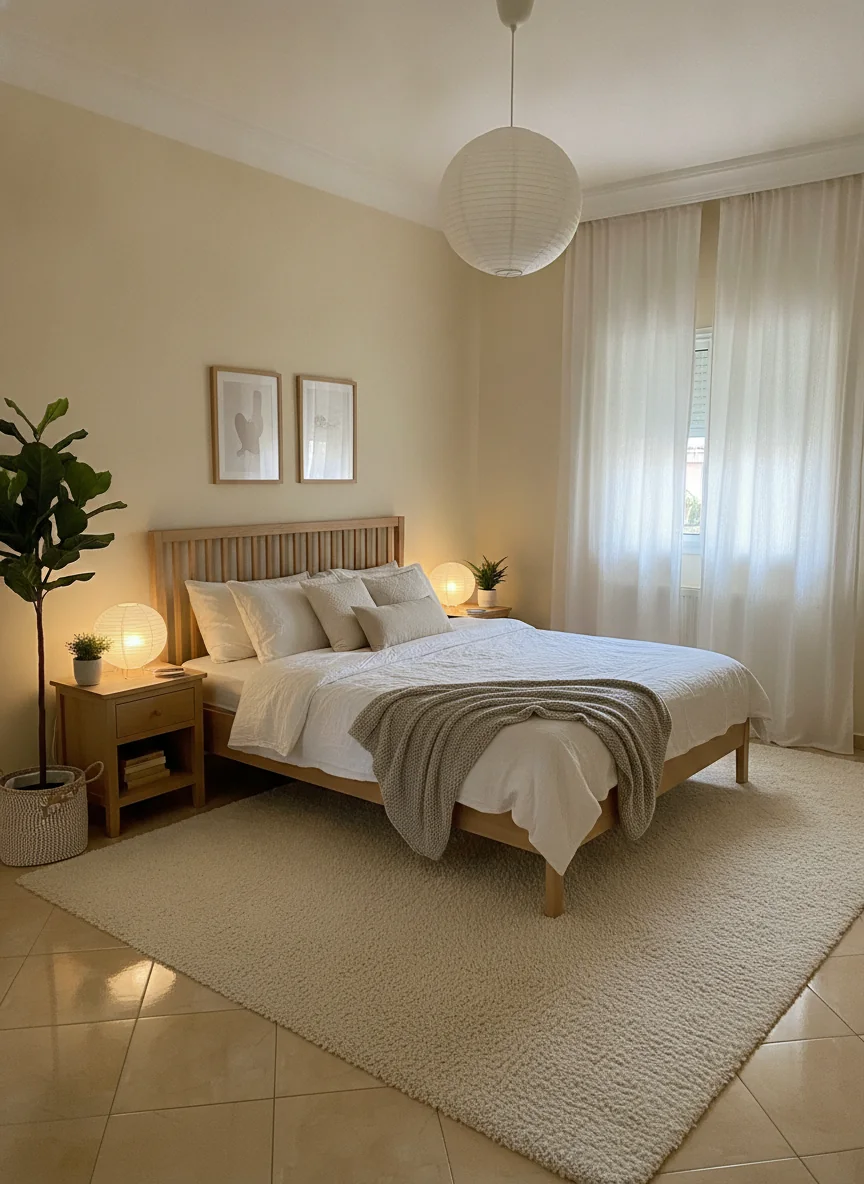
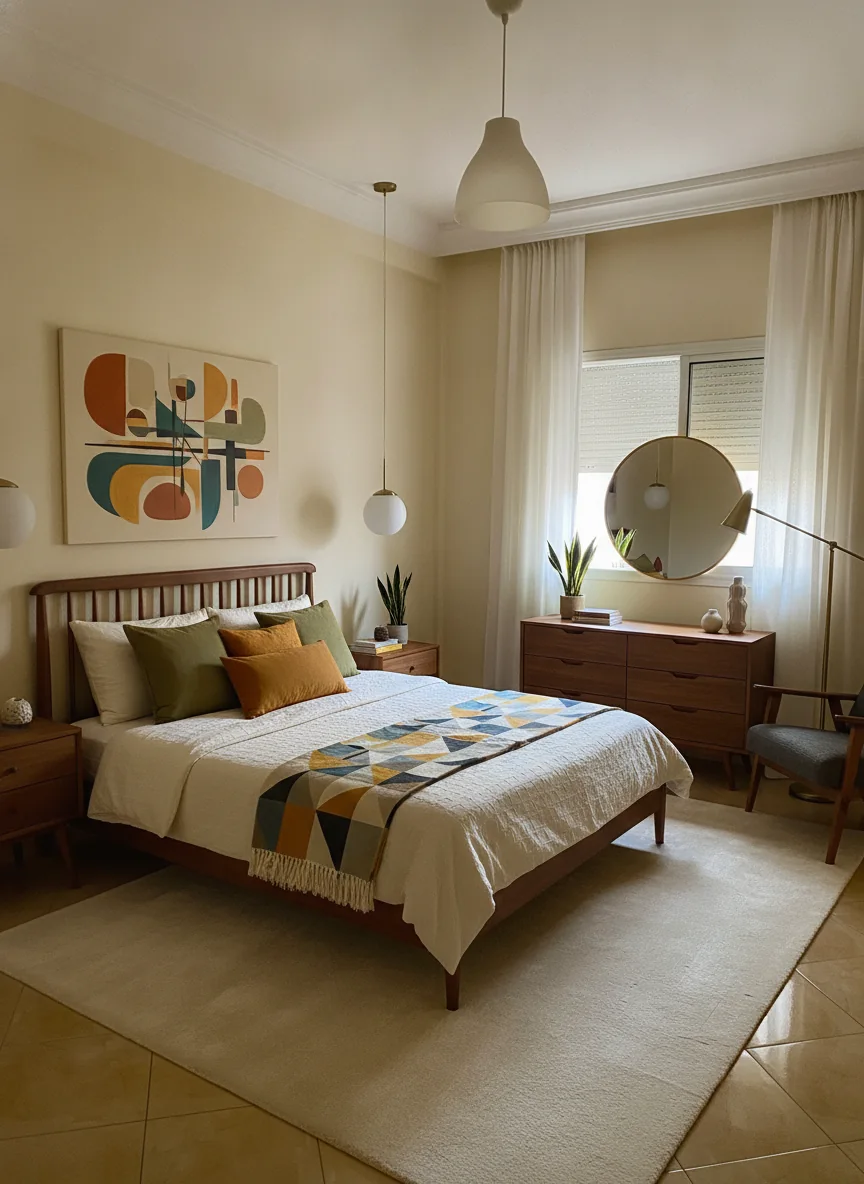
The same bedroom photo, run through six of Tigmi’s styles. This is how you compare ideas without guessing.
Step 1
Take it on your phone, in daylight, from a corner of the room.
Step 2
Choose the room type and one of 16 styles. Add notes if you want to keep a piece or a color.
Step 3
Your redesign is ready in a couple of minutes. Try another style on the same photo, or shop the pieces.
Changes: furniture, rugs, curtains, decor, wall colors, finishes and light fittings.
Stays: the walls, windows, doors, ceiling height and the angle of your photo. On paid plans, Room Lock and Light Lock hold the structure and the daylight even more closely.
Want to keep something? Write it in the optional notes: “keep the green sofa”, “keep the oak floor”.
A redesign shows a look, not a plan. Measure before you buy, and test paint samples on your wall: colors on a screen never match real light exactly.
More in our guide to writing room prompts.
Your first 3 redesigns each month are free, at 1024 px with a small watermark. Paid plans start at $14 a month for 50 redesigns at 2048 px without the watermark.
Tigmi is built to keep the walls, windows, doors and camera angle of your photo and change the furniture, decor, colors and finishes. Room Lock and Light Lock, on paid plans, hold the structure and the daylight of the photo more strictly.
Living rooms, bedrooms, dining rooms, kitchens, home offices, bathrooms, entryways, staircases and outdoor patios.
Shop the Look finds similar products from real stores in 45 countries, so you can go from a redesign you like to pieces you can order.
A couple of minutes per redesign.
Upload a photo and see your makeover in a couple of minutes. Your first 3 redesigns each month are free.
Ready in a couple of minutes • Watermark-free on paid plans • Private uploads