How AI is Revolutionizing Interior Design: Smarter Choices for Inspired Spaces
Imagine instantly visualizing your dream room with perfect material pairings and colors that shift beautifully in natural light. AI tools are transforming how interior enthusiasts experiment with design decisions, helping avoid costly mistakes and refine style with confidence.
Tigmi Local Intelligence
Updated March 27, 2026

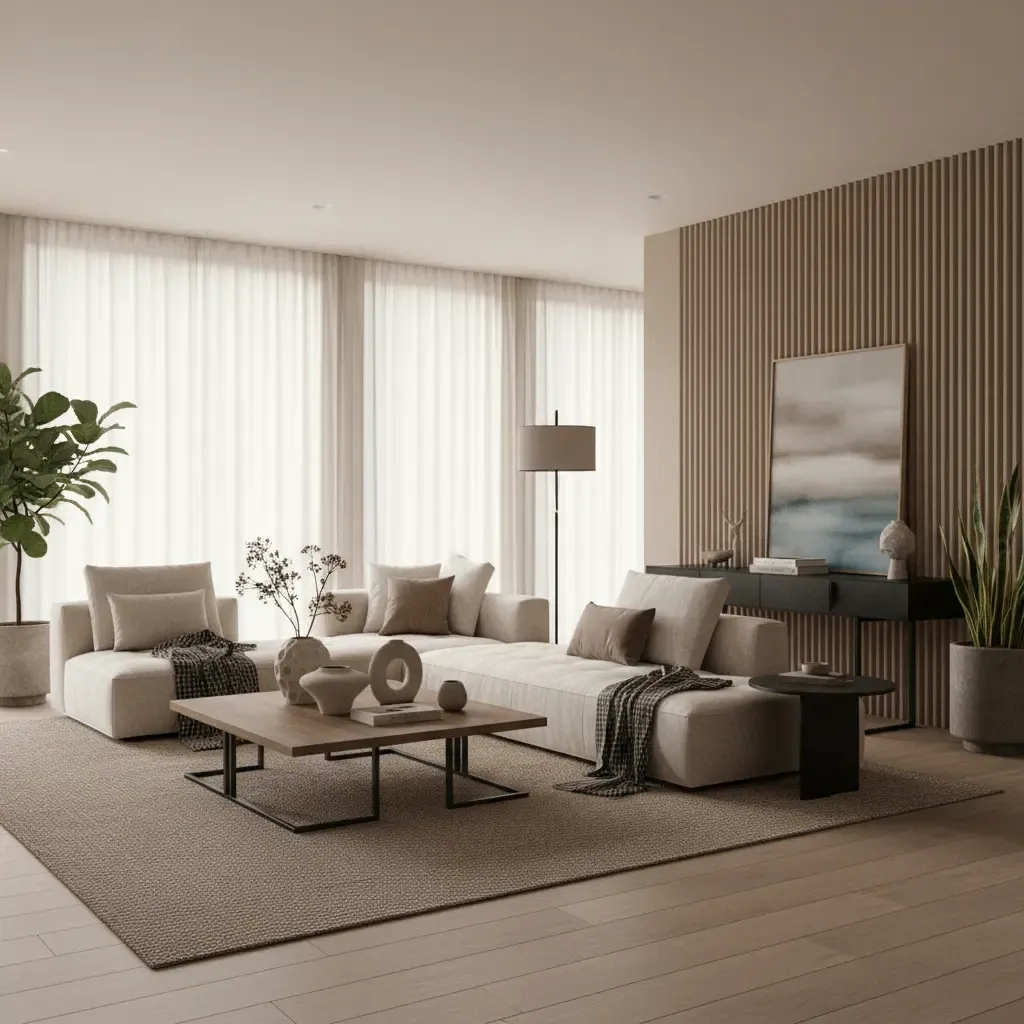
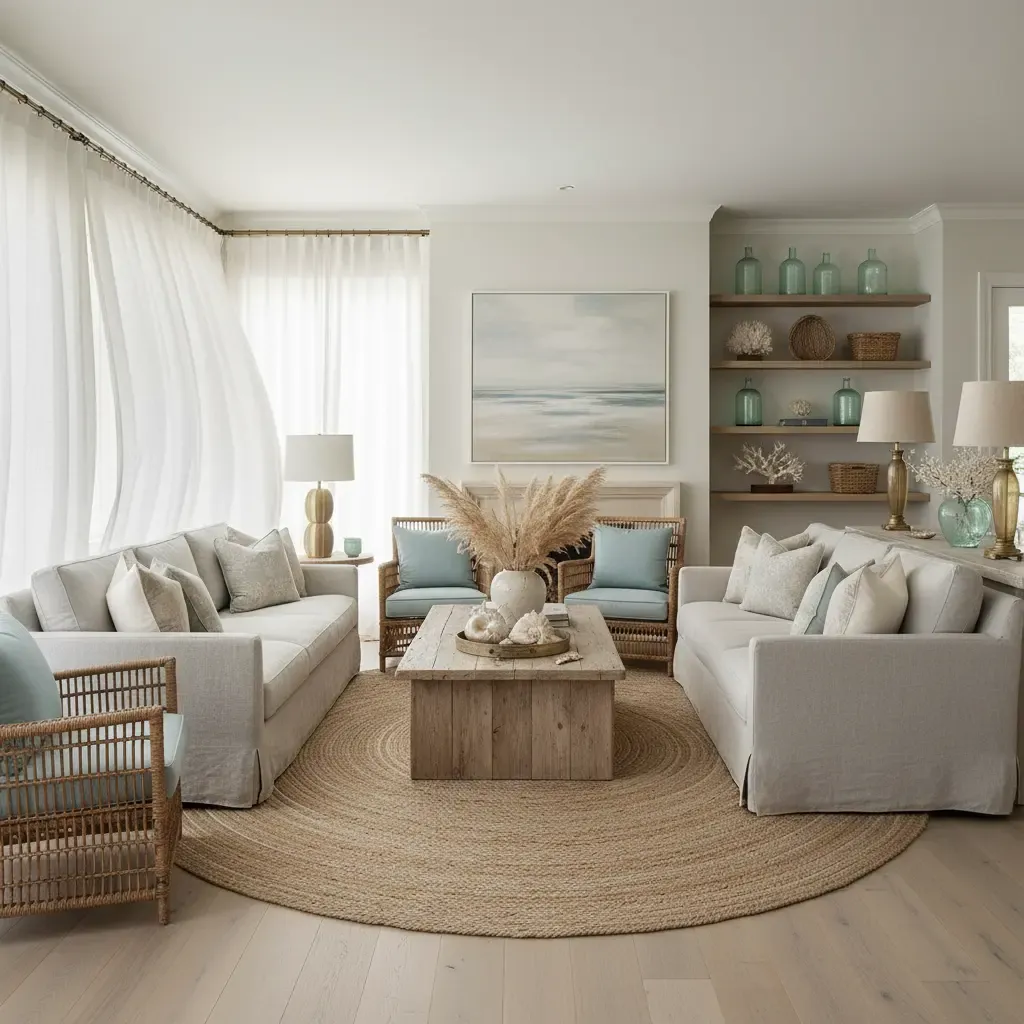
Warm afternoon light floods a living room where white oak flooring meets a plush bouclé sofa in a muted mushroom tone. A terrazzo coffee table anchors the space, while Venetian plastered walls add tactile depth. You want to tweak the color or swap a material but hesitate—what if the new choices clash or shrink your room visually? This is where AI-assisted interior design steps in, offering a photorealistic glimpse of your ideas before lifting a finger or buying a single item.
Understanding Ai For Interior Design
AI in interior design fundamentally changes how we approach core decisions: pairing materials, balancing proportions, and experimenting with color schemes. Traditional design often involves costly trial and error, but AI lets you test combinations like warm whites—Benjamin Moore Simply White versus Swiss Coffee—or scale furniture accurately to your space dimensions. For instance, most people underestimate rug sizing, choosing ones too small; AI visualizations confirm that seating’s front legs should rest on the rug to unify the layout. The key is understanding that AI is a design assistant, not a replacement for the nuanced judgment honed by decorating hundreds of rooms—knowing when a matte travertine accent contrasts beautifully with glossed Venetian plaster, or how daylight affects a room’s warmth throughout the day. This tool helps you avoid common missteps like mismatched textures or overwhelmed palettes before committing.
Applying AI tools to your own home can be a game-changer for various scenarios. In tight city apartments with limited natural light, AI lets you virtually test lighter wall paints like Benjamin Moore’s Classic Gray paired with light wood tones such as limewashed white oak flooring, maximizing brightness and openness. Budget-conscious decorators can explore affordable material alternatives—for example, swapping authentic terrazzo for terrazzo-effect vinyl planks—seeing instantly how this affects the room's feel. In rental apartments where modification options are limited, AI previews enable confident choices that respect restrictions, such as selecting removable wallpaper in warm mushroom hues that complement bouclé upholstery without damaging walls. It’s about tailoring aesthetic decisions to your space and budget, reducing the guesswork that often leads to costly returns or unsatisfactory results.
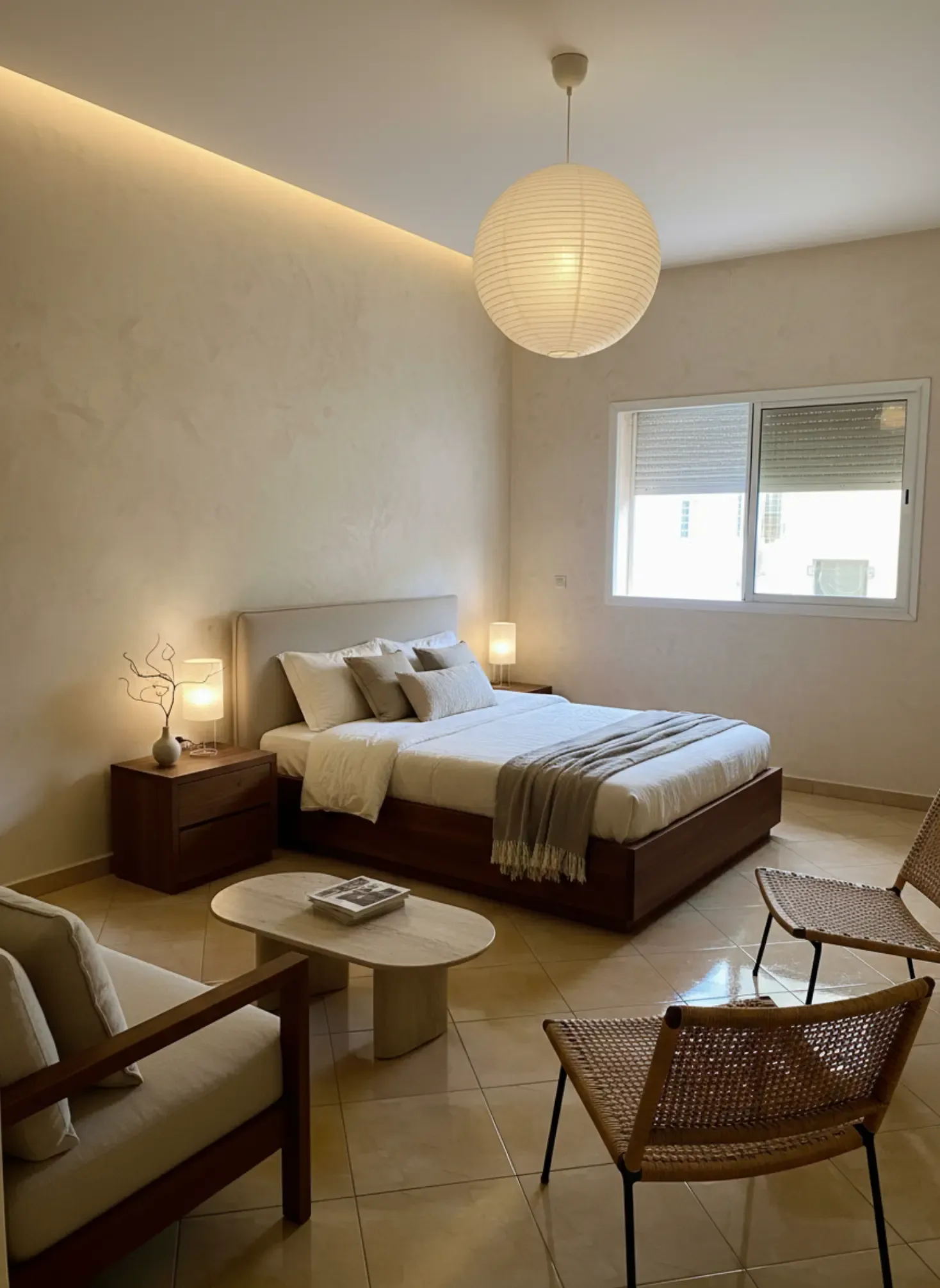
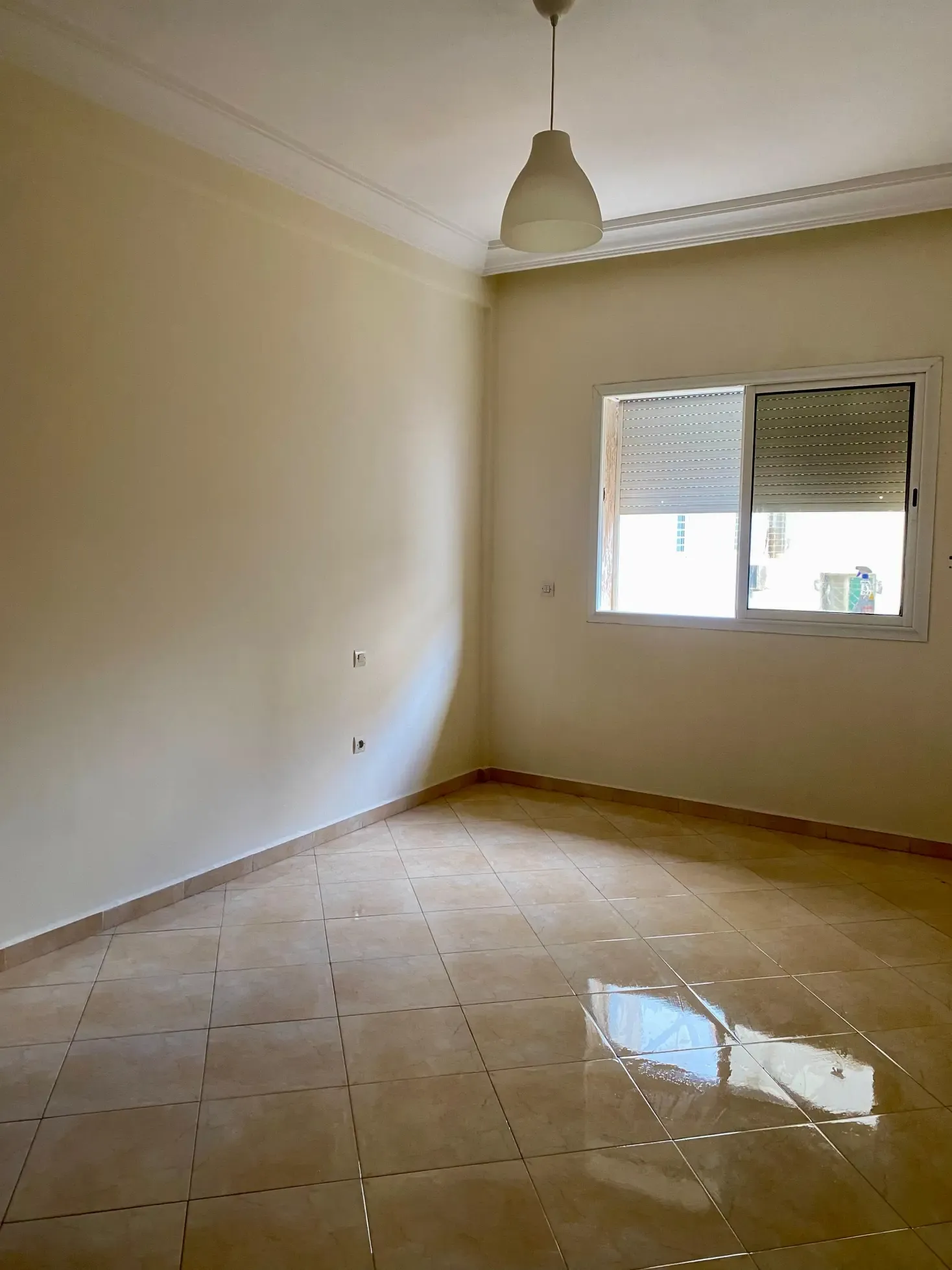
While AI visualization tools like Tigmi can’t replace a seasoned designer’s intuitive touch, they democratize access to professional-grade experimentation. By uploading a simple photo of your actual room, you can preview how new furnishings, paint colors, and materials interact with your unique lighting and proportions—in about 15 seconds. This rapid iteration lets you refine ideas faster and with more confidence, encouraging bolder, better-informed choices. However, AI still struggles with subtle tactile elements like fabric softness or nuanced color shifts under artificial lighting, so it’s best paired with real-world samples or expert advice. Ultimately, combining AI tools with foundational design knowledge empowers enthusiasts to craft spaces that feel intentional, balanced, and tailored to their lifestyle.
Style inspiration
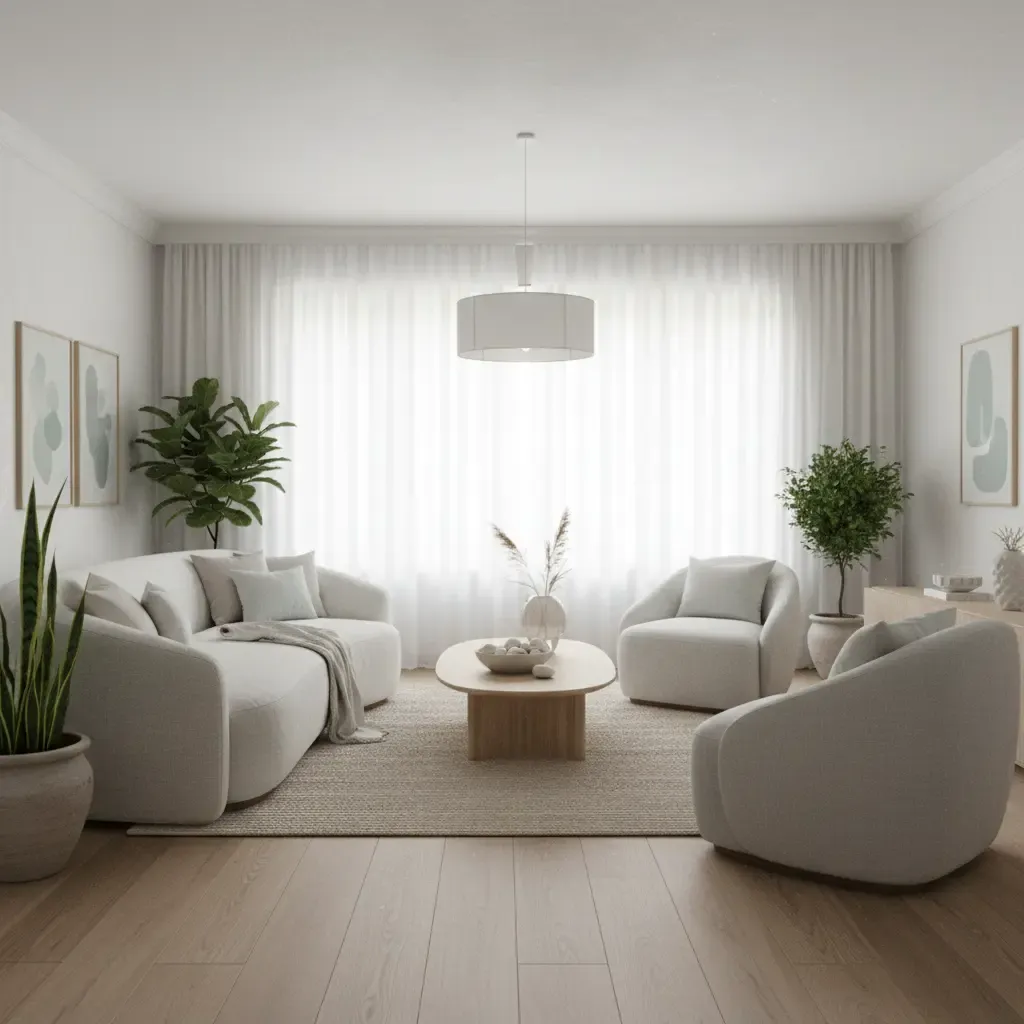
Modern Scandinavian Calm
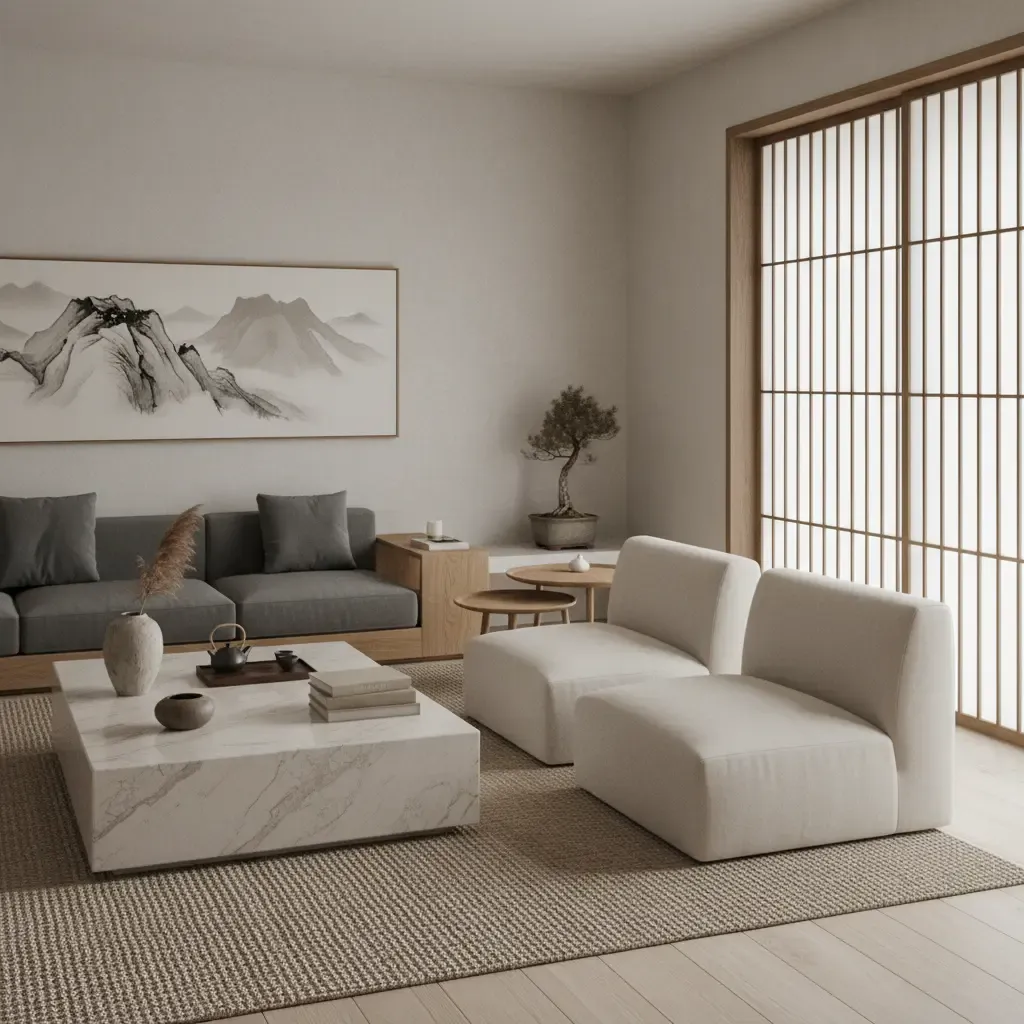
Pair limewashed white oak flooring with a soft bouclé sofa in warm mushroom. Walls painted in Benjamin Moore Classic Gray offer a cool backdrop, while a matte travertine coffee table introduces grounded texture. Opt for streamlined furniture with gentle curves to soften the room’s geometry. This combination works because it balances warm and cool tones with tactile contrasts, creating a serene yet inviting atmosphere.
Urban Luxe Minimalism
Use Venetian plaster walls in a rich warm white like Benjamin Moore Simply White paired with a low-profile charcoal velvet sofa. Incorporate a terrazzo coffee table featuring subtle flecks of brass and black for a luxe touch. Choose furniture with sleek metal legs and glass accents to reflect light. The success here lies in mixing tactile plaster softness with reflective, high-gloss surfaces, creating depth without clutter.
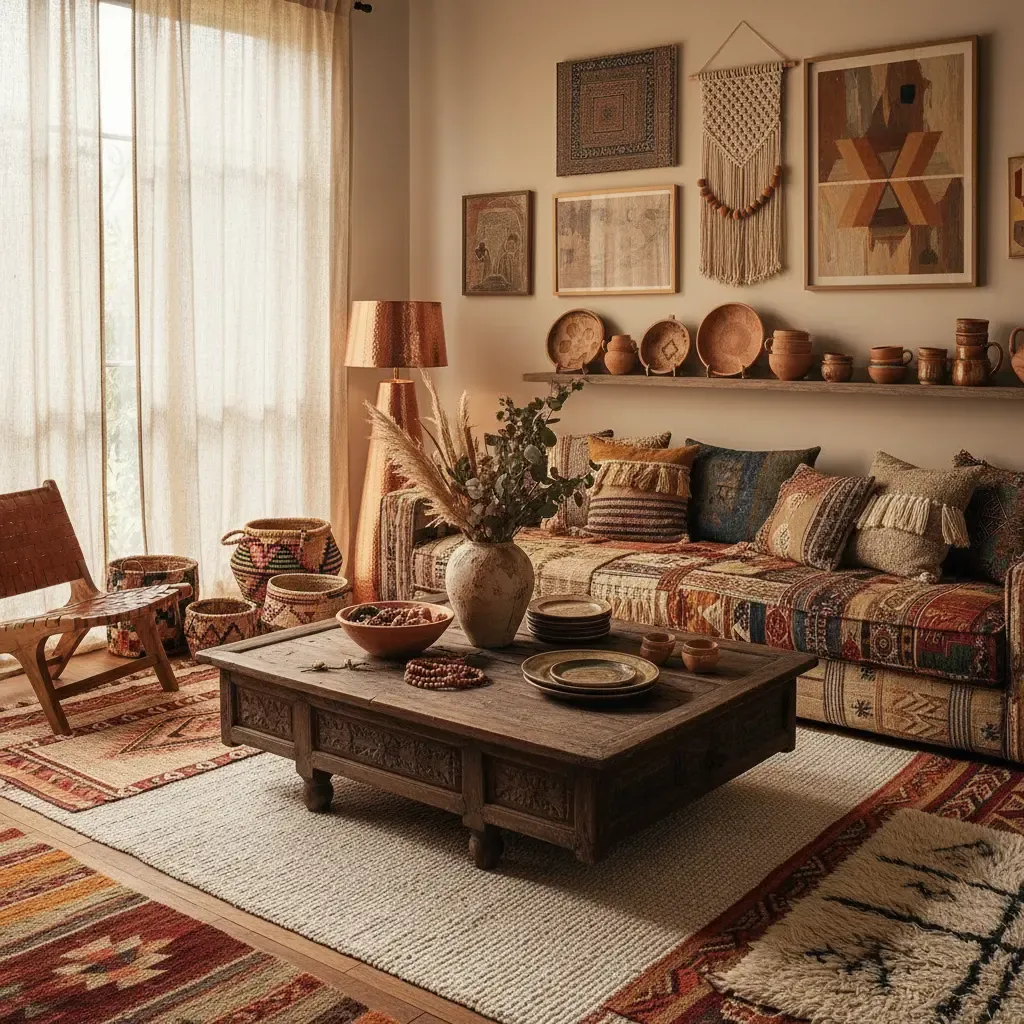
Cozy Bohemian Layers
Start with warm Swiss Coffee walls and natural white oak floors. Add oversized seating in textured linen upholstery and layer with handwoven kilim rugs that extend beneath all seating legs. Incorporate rattan and weathered brass accessories to introduce natural warmth and vintage charm. This style thrives on layered textures and warm neutrals, making the space feel personalized and relaxed.
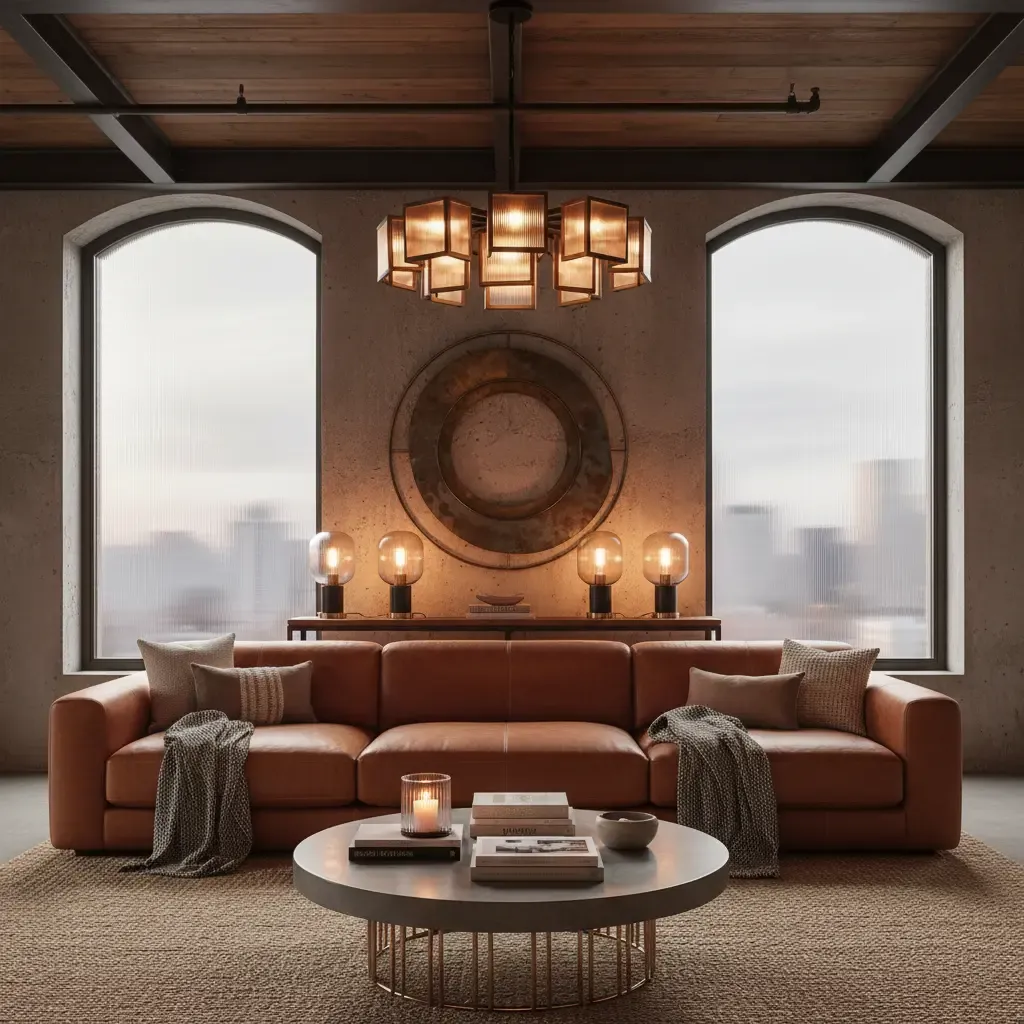
Contemporary Rustic Contrast
Combine rough-hewn oak beams or reclaimed wood furniture with sleek matte black metal accents. Walls in a soft mushroom tone complement natural jute rugs and leather seating. Use smooth Venetian plaster on select accent walls to add polished contrast. The key to this look is juxtaposing rugged, tactile materials with refined finishes, creating a dynamic yet cohesive environment.
Materials & Palette
- • Limewashed white oak flooring — grounds the room while reflecting light subtly; pairs perfectly with linen upholstery and unlacquered brass pulls. Budget alternative: matte ash-tone vinyl plank flooring.
- • Venetian plaster in Benjamin Moore Simply White — adds tactile depth and soft warmth; ideal for accent walls in living areas or bedrooms. Budget alternative: textured paint with a pearl finish.
- • Bouclé upholstery in warm mushroom — introduces inviting softness and rich texture; works well on sofas or accent chairs. Budget alternative: boucle-look woven fabric with a polyester blend for durability.
- • Terrazzo coffee tables with neutral flecks — provide visual interest and a cool surface; best placed centrally in seating areas. Budget alternative: terrazzo veneer on MDF table tops.
Designer's Tip
When experimenting with AI designs, always measure your actual furniture and room dimensions first. AI tools perform best when fed accurate data, preventing unrealistic renderings. Also, check how natural light changes throughout the day in your space—what looks perfect at noon might feel cold by evening. Using AI alongside natural observation deepens your design insight.
Layout & Styling Moves
- Keep your primary seating group within a 2.5-meter radius for comfortable conversation and intimacy.
- Select a rug large enough so the front legs of all seating rest on it—usually extending at least 60cm beyond furniture edges to unify the space.
- Coffee tables should be 40-45cm high, roughly matching sofa seat height, ensuring ease of use and visual balance.
- Allow at least 90cm clearance between furniture pieces for comfortable traffic flow, especially in smaller rooms or rentals.
Pros & Cons
+ Advantages
- + Speeds up decision-making by visualizing ideas in your actual room context.
- + Helps avoid costly mistakes like incompatible colors or undersized rugs.
- + Enables exploration of both aspirational and budget-friendly materials side-by-side.
- + Encourages experimentation with styles and layouts without physical effort or expense.
- Considerations
- - Cannot fully replicate tactile sensations or fabric softness.
- - May not accurately render subtle color shifts under artificial or changing light.
- - Still requires foundational design knowledge to interpret and apply results effectively.
How to visualize this with Tigmi
-
1
Take a photo of your room in natural daylight from the corner—this gives the AI the most accurate read of your space's proportions and light quality.
-
2
Input precise measurements of your key furniture pieces to ensure scale accuracy in visualizations.
-
3
Experiment with swapping wall colors, flooring, and upholstery materials to observe their impact on mood and flow.
-
4
Use the AI-generated renderings to shortlist options before sourcing real samples or consulting a specialist.
Key Takeaways
-
1
AI helps visualize material combinations and color palettes realistically before purchase.
-
2
Testing scale and proportions virtually avoids common layout mistakes.
-
3
Integrating AI with traditional design principles yields the best results.
-
4
Budget and aspirational options can be explored side-by-side to make informed choices.
Frequently Asked Questions
Can AI tools replace hiring an interior designer?
AI tools are valuable for experimenting and refining ideas but do not replace the nuanced expertise of a professional designer. They excel at visualizing options quickly but lack the human insight into spatial flow and tactile materials that an experienced designer provides.
How accurate are AI-generated color and material renderings?
AI renderings can be very accurate under natural daylight conditions, especially when you provide good-quality photos. However, subtle color shifts under artificial or evening lighting may not be perfectly captured, so always test samples in your space.
What common design mistakes can AI help me avoid?
AI can help you avoid choosing rugs that are too small, mismatched color palettes, and furniture that is out of scale with your room. It also helps preview how materials like Venetian plaster or bouclé upholstery interact before committing.
Are AI design tools suitable for small or rental apartments?
Absolutely. AI allows you to test space-saving layouts, lighter color schemes to boost brightness, and temporary styling options like removable wallpaper, which is ideal for rentals with restrictions.
Can I use AI to explore budget-friendly material alternatives?
Yes. AI tools enable side-by-side comparisons of aspirational materials like travertine or terrazzo with affordable alternatives such as vinyl planks or textured paint, helping you make financially savvy choices.
How do I get the best results when using AI visualization tools?
Provide clear, well-lit photos taken during the day, input exact room and furniture measurements, and have a foundational understanding of design principles to interpret results effectively. Combine AI previews with real-world samples whenever possible.
Ready to see it in your room?
Try visualizing your next interior project with Tigmi to test colors, materials, and layouts in your actual room before making decisions.
Explore more with Tigmi
- AI Interior Design Studio — Overview of the core room redesign workflow.
- AI Room Makeover — Room-by-room transformations with presets and Room Lock.
- AI Virtual Staging — Stage empty spaces for listings in minutes.
- Style Gallery — Browse 16+ style presets and example renders.
- Pricing & Plans — Compare free and pro tiers before you start.